 HandyCub
 OwlType · Dictation & Transcription
Voice typing for Mac that works offline, in every app
Hold a key, speak, let go: OwlType types what you said wherever your cursor is. It also turns recordings and videos into text and subtitles, all offline, with no account and no subscription.
$4.99 one-time · no subscription
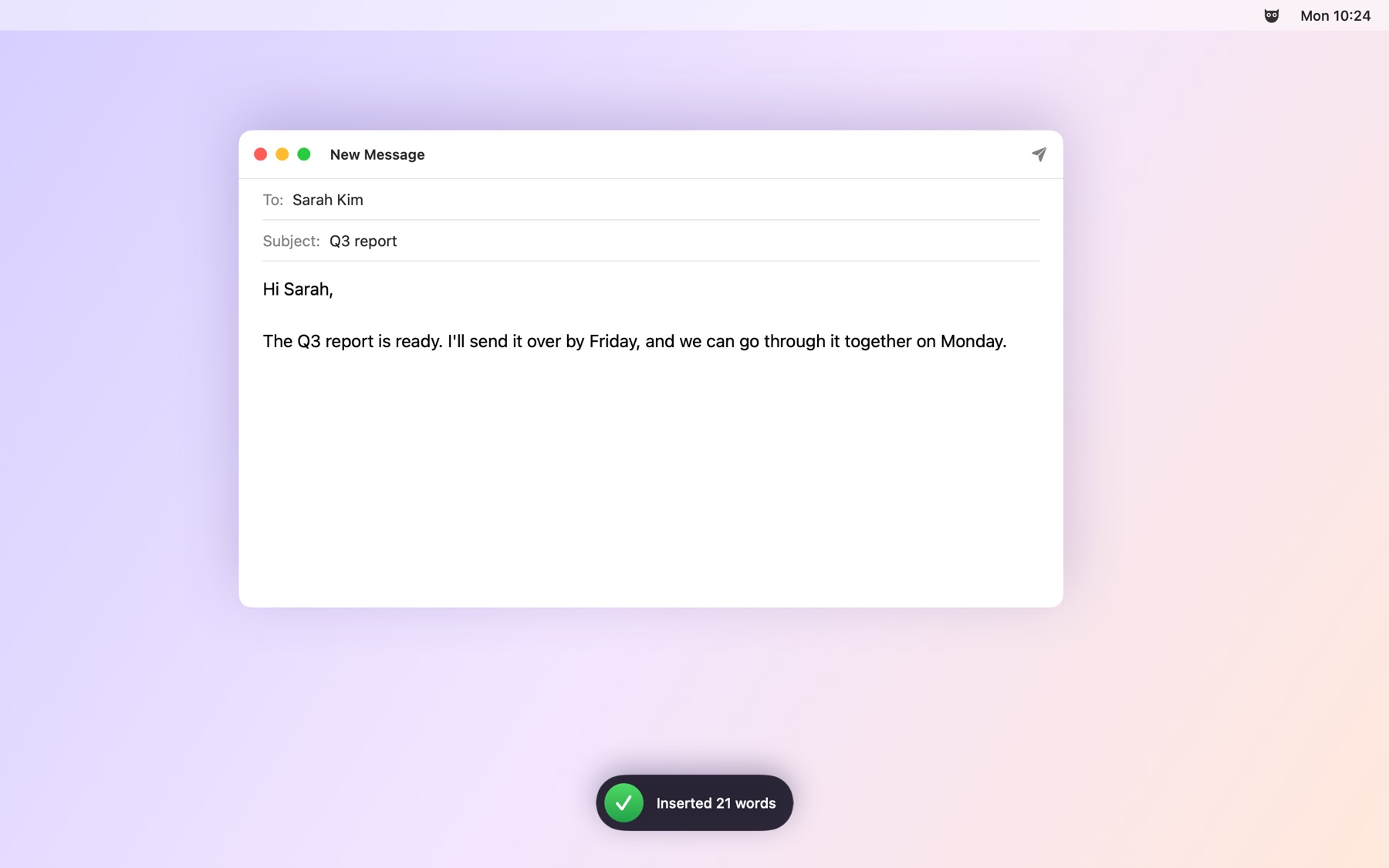
Dictate into any app
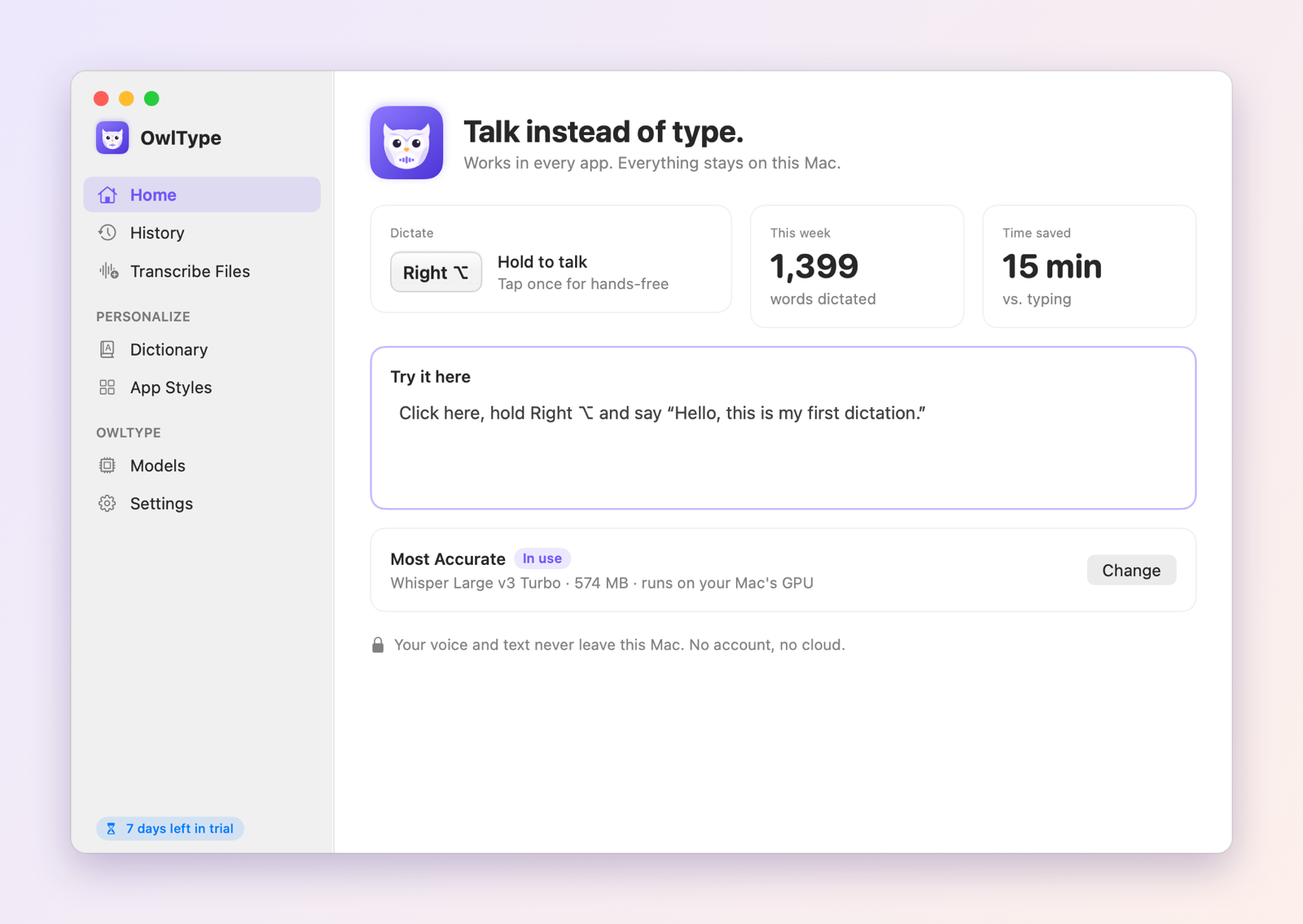
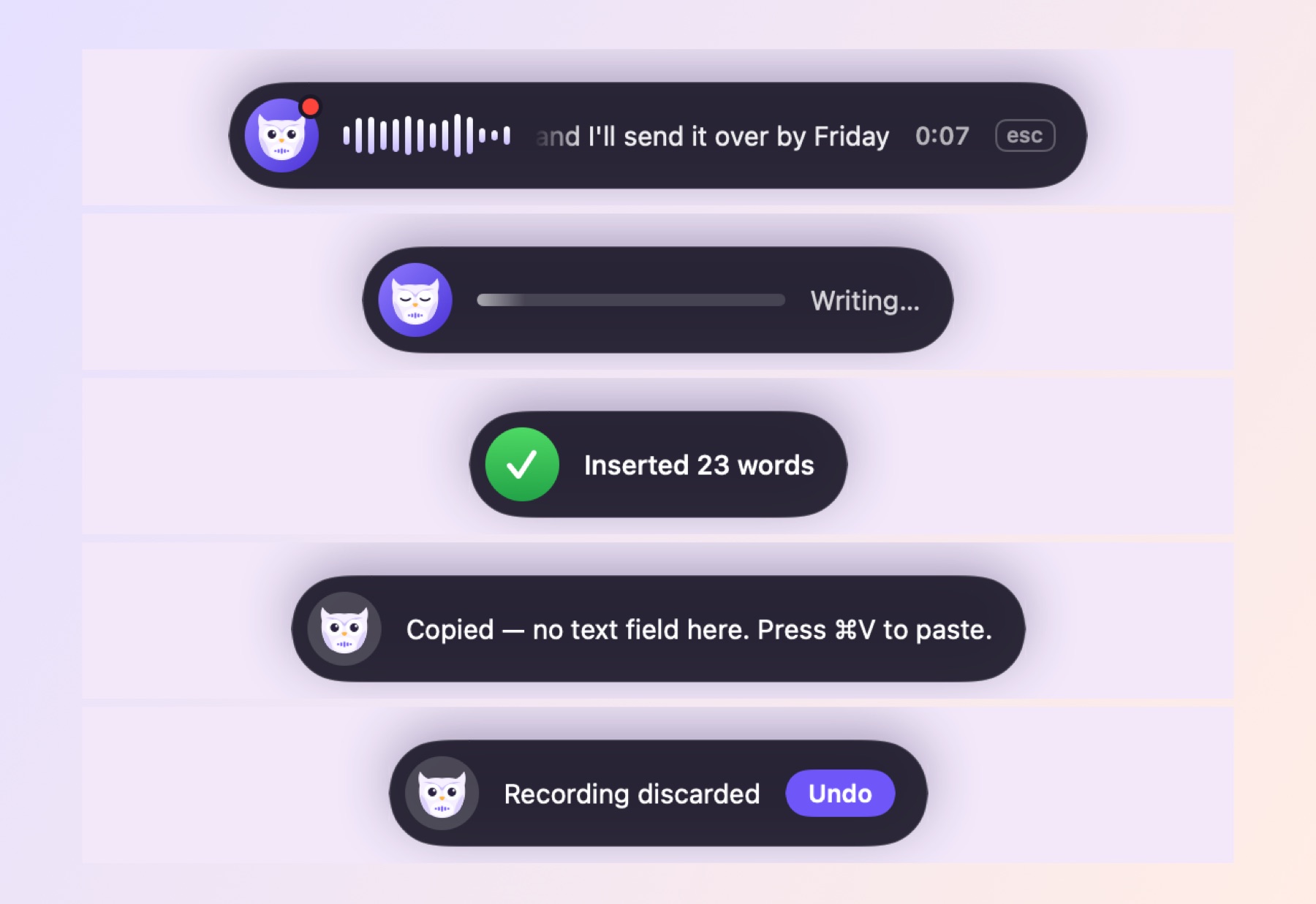
Hold the Right Option key, speak, let go. Text lands at your cursor in Mail, Slack, Notes, your browser or your code editor. Tap once to talk hands-free.
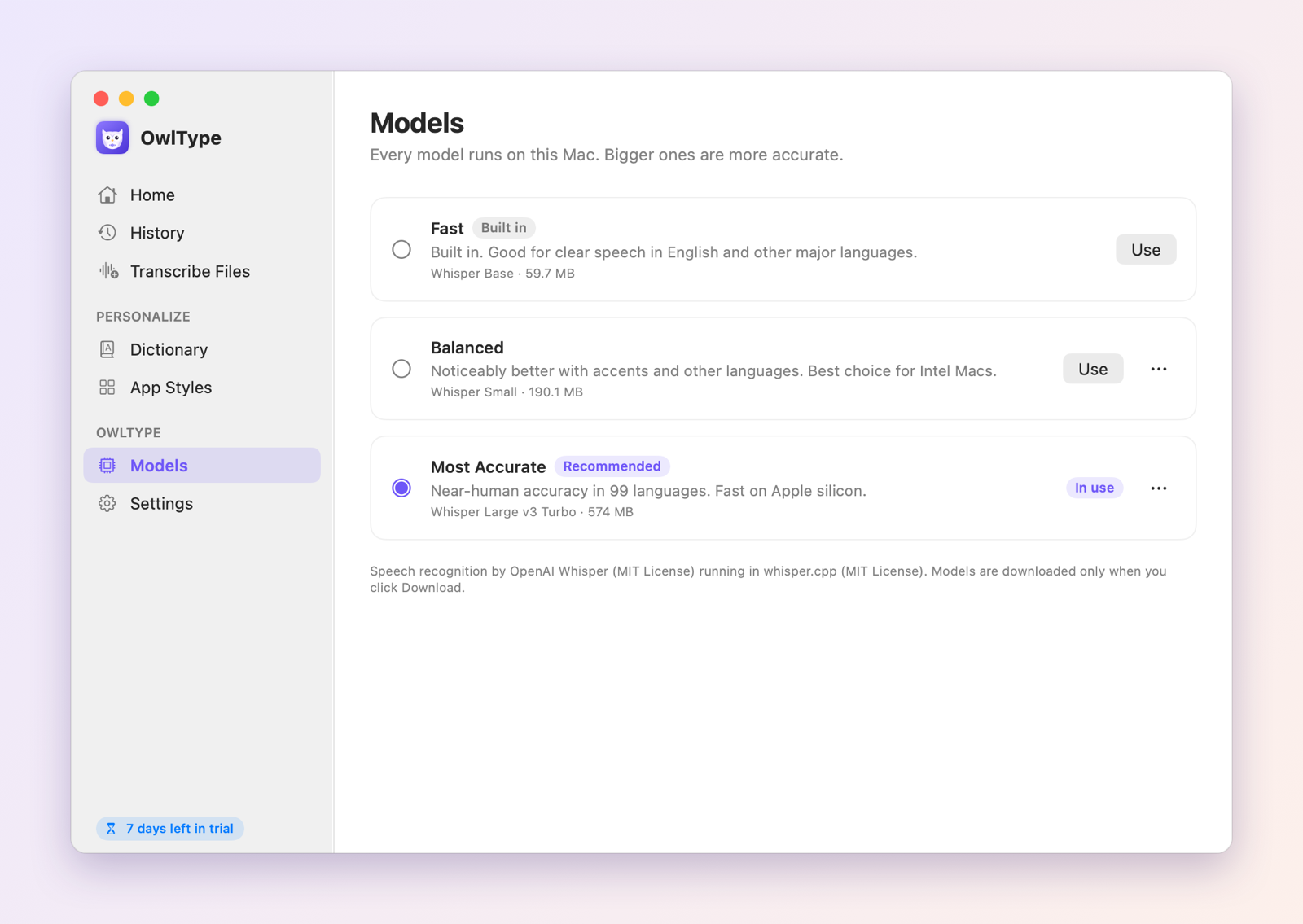
Runs offline, 99 languages
Speech recognition runs on your Mac with OpenAI Whisper. The built-in model works the moment you install it; a more accurate model is one optional download.
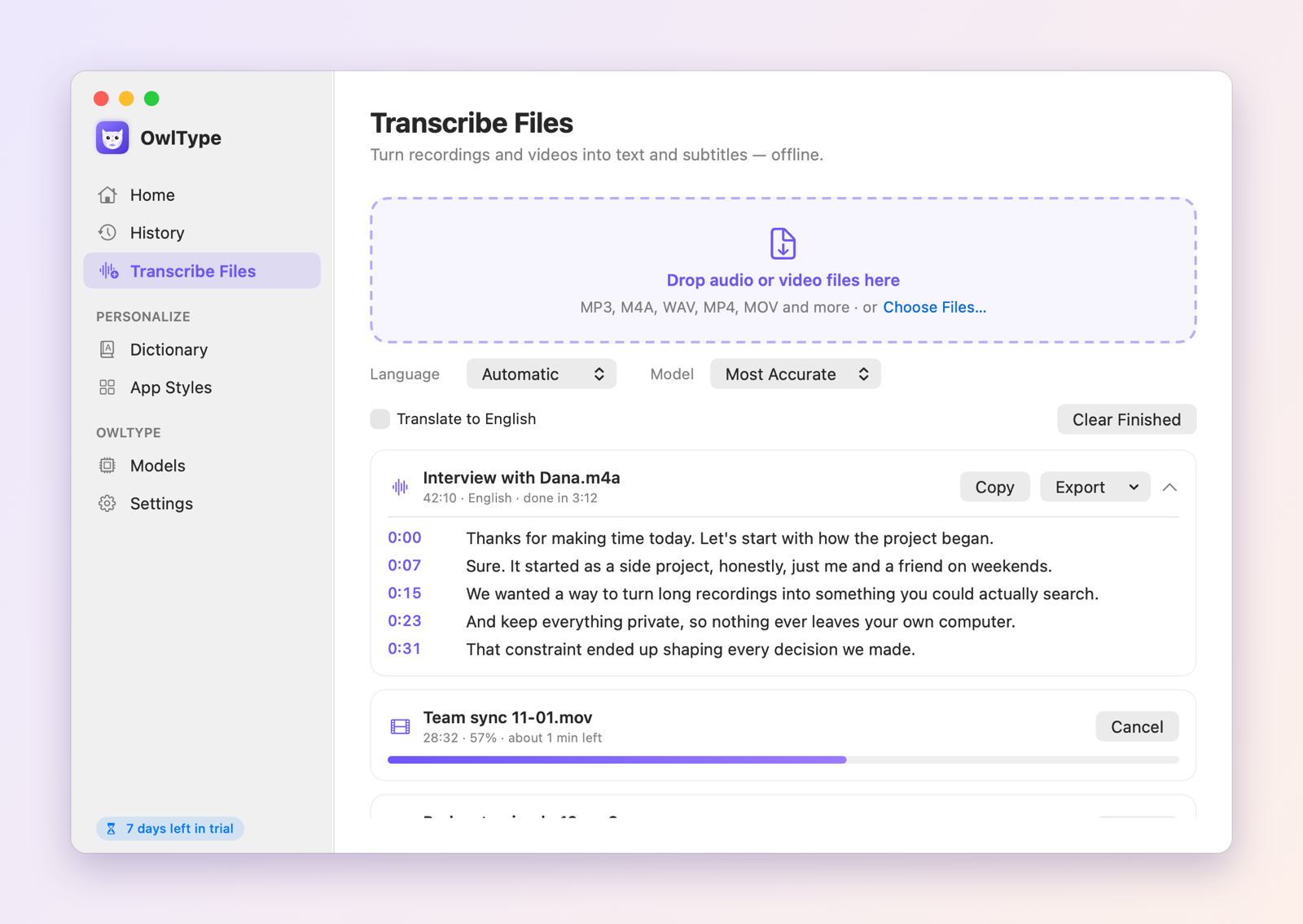
Recordings and videos to subtitles
Drop in MP3, M4A, WAV, MP4, MOV and more. Export TXT, SRT, VTT, Markdown, CSV or JSON, with timestamps you can click to listen.
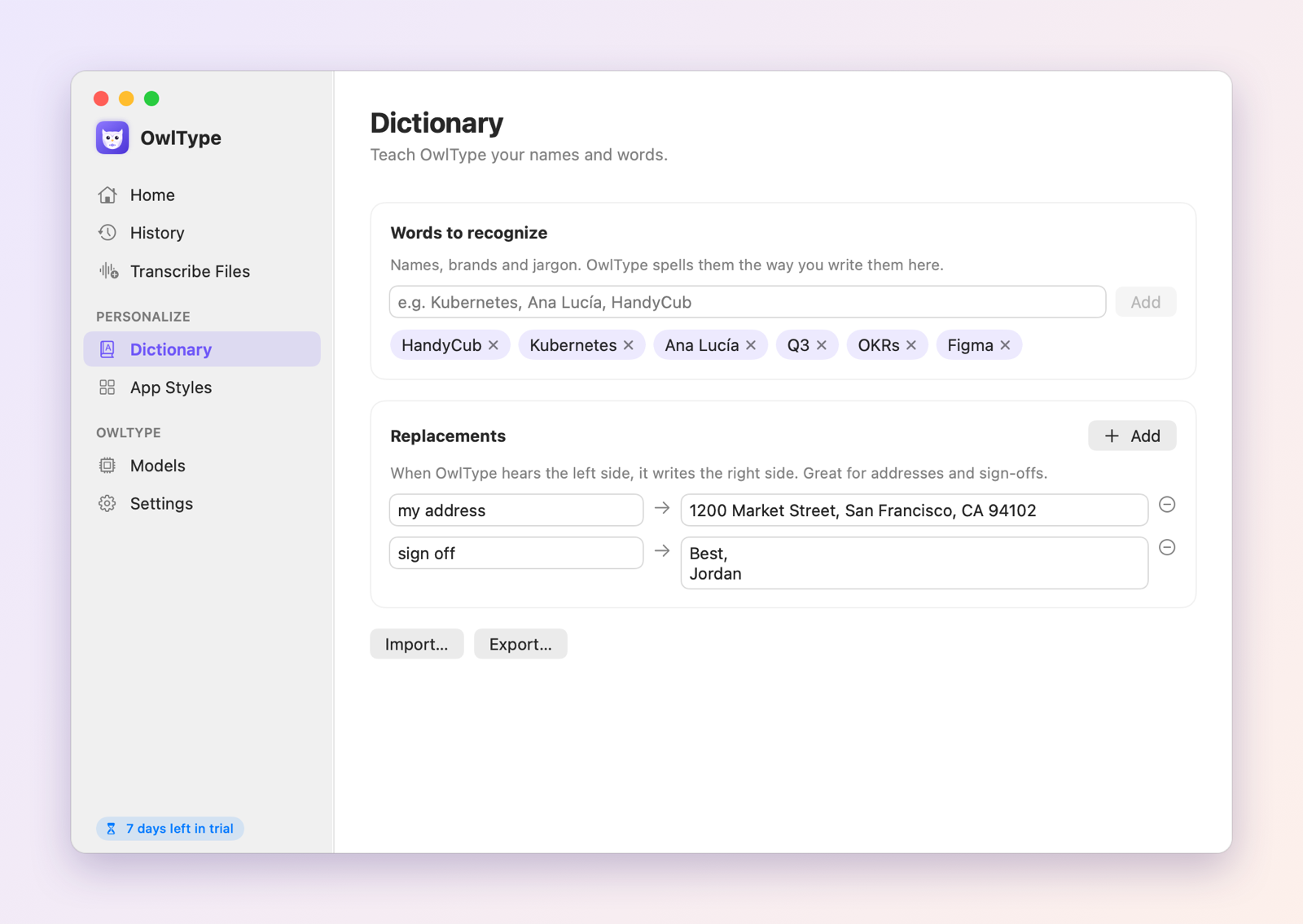
Learns your words
Add names, brands and jargon so they're spelled right, plus replacements like “my address” → your full address.
The right tone for each app
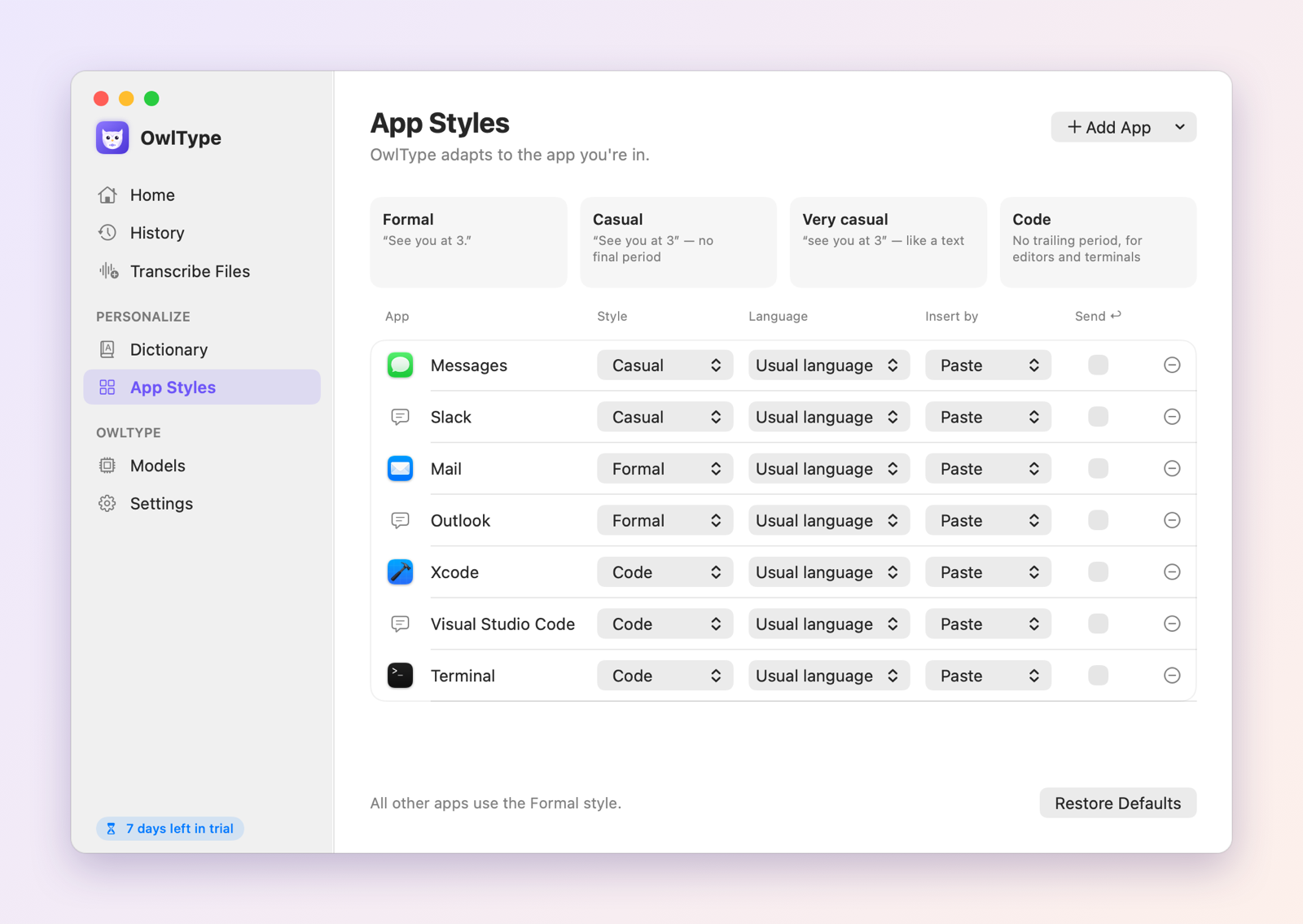
Chats get a casual style, email stays formal, and code editors skip the final period. Filler words like “um” are removed.
History you can search
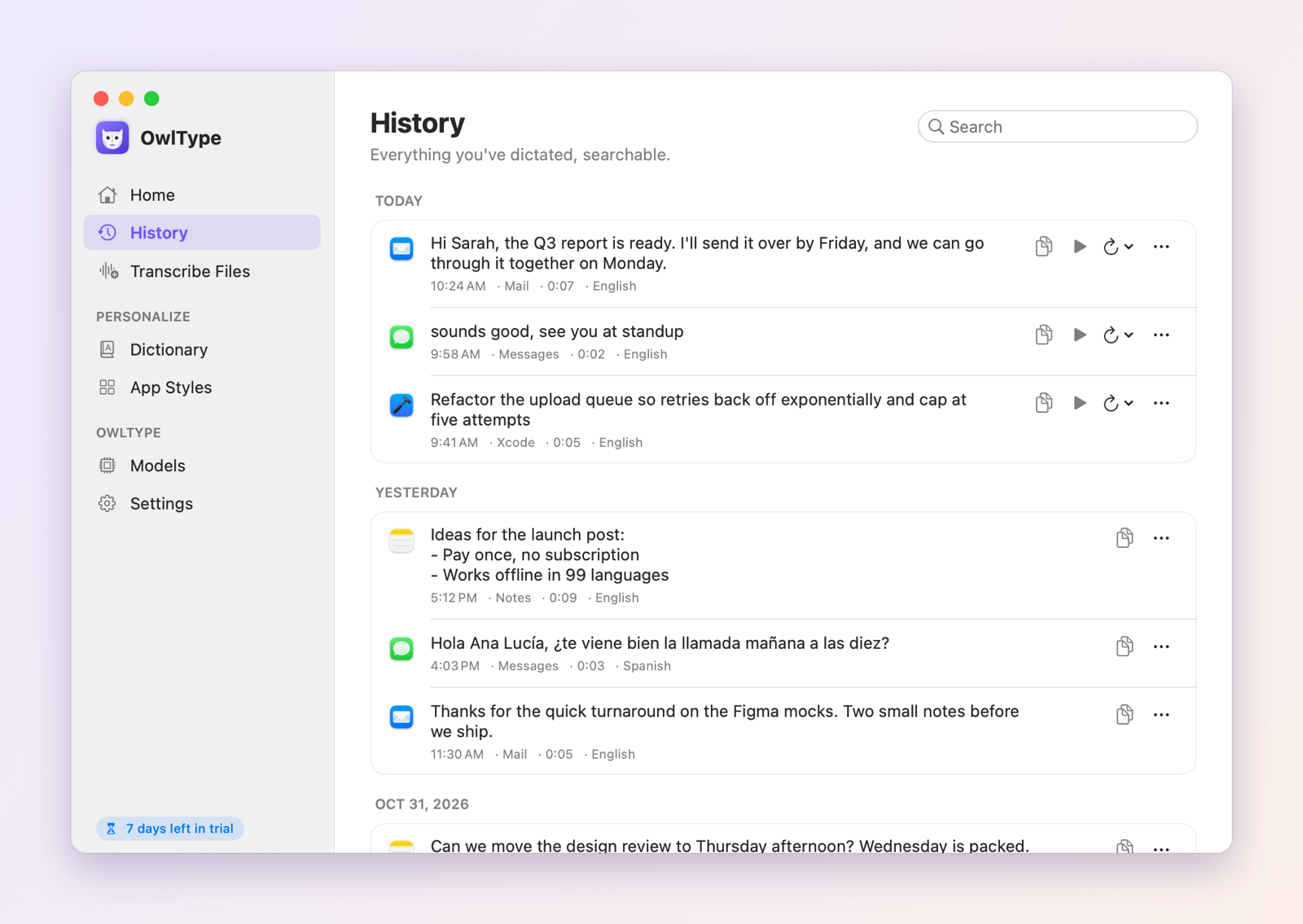
Find anything you've dictated, paste it again with ⌃⌥V, replay the recording or re-transcribe it with a better model.
See it in action
Keyboard shortcuts
| Shortcut | What it does |
|---|---|
| Hold Right ⌥ | Dictate while held, type when released |
| Tap Right ⌥ | Start hands-free; tap again to finish |
| esc | Discard the recording (undo for 5 seconds) |
| ⌃⌥V | Paste your last dictation again |
You can choose another dictation key, such as fn or any key combination, in Settings.
OwlType vs. what’s built into macOS
| Feature | Built into macOS | OwlType |
|---|---|---|
| Works offline | On Apple silicon; the improved model needs an M3 or later and English | Yes, on Apple silicon and Intel Macs |
| Hold a key to talk | No, you press to start and stop | Yes, or tap once for hands-free |
| Pausing to think | Stops after 30 seconds of silence | You choose, from 15 seconds to never |
| Custom words and replacements | No | Yes |
| Different style per app | No | Yes |
| History and “paste last” | No | Yes |
| Audio and video files to SRT/VTT subtitles | No | Yes |
Getting started
- Download OwlType and open the file.
- Drag OwlType into your Applications folder, then open it.
- Use it free for 7 days. When you're ready, click Buy Now in the app. It unlocks on its own once you've paid.
Questions
Does OwlType send my voice anywhere?
No. Recognition runs entirely on your Mac. OwlType only goes online to check your license and when you choose to download a more accurate model.
Which languages does it understand?
99 languages, including English, Spanish, German, French, Japanese, Portuguese and Chinese. Pick the 2–3 you speak and it switches between them automatically.
How does the trial work?
Every feature is free for 7 days with no account. After that, a one-time purchase of $4.99 covers up to 3 Macs.
How does the free trial work?
Download OwlType and open it. You get every feature for 7 days, with no account and no card. When the trial ends, the app asks you to buy a license. Your files and settings stay put.
Is it a subscription?
No. You pay once and keep using it. Updates are included.
How many computers can I use it on?
Up to 3. You can see which ones are using your license in the app's settings, and remove one yourself when you switch computers, there or on the license page.
Do I need to type in a license key?
Not if you buy from inside the app: it unlocks on its own a few seconds after you pay. If you buy on this website, we'll show your key right after checkout. Paste it into the app and you're set.
I lost my license key.
Find the receipt Paddle emailed you, copy the transaction ID (it starts with txn_), and look it up on the license page or in the app.
Can I get a refund?
Yes, a full refund within 14 days, no questions asked. See our Refund Policy.
Is there a Windows version?
It's on the way. The Mac version comes first.